In the world of thermal transfer ribbon (TTR) printing, mistakes aren’t just minor slip-ups — they’re business killers. A smudged barcode or a half-faded label doesn’t just look bad — it messes with supply chains, stalls shipments, and costs companies money.
Let’s cut through the fluff and break down the Top 5 TTR Printing Mistakes and — more importantly — how to fix them before they ruin your labels.
________________________________________
1. Incorrect Ribbon-Label Pairing
The Mistake: Using the wrong type of ribbon for your label material is like putting diesel in a sports car — it’s a disaster waiting to happen.
• Wax ribbons on synthetic labels? Smudge city.
• Resin ribbons on paper labels? Overkill and wasted money.
The Fix:
• Wax ribbons → Use for paper labels (shipping labels, retail tags).
• Wax-resin ribbons → Ideal for coated paper and some synthetics (pharma, industrial labels).
• Resin ribbons → Best for synthetic labels (automotive, healthcare, electronics).
If your prints are smudging at the slightest touch — you’ve picked the wrong ribbon. Pair wisely.
________________________________________
2. Incorrect Heat Settings (Printhead Temperature)
The Mistake: Running your printer at the wrong temperature is a rookie move.
• Too hot → Ribbon melts excessively, causing smudged, sticky prints.
• Too cold → Incomplete, faint labels that look like ghost prints.
The Fix:
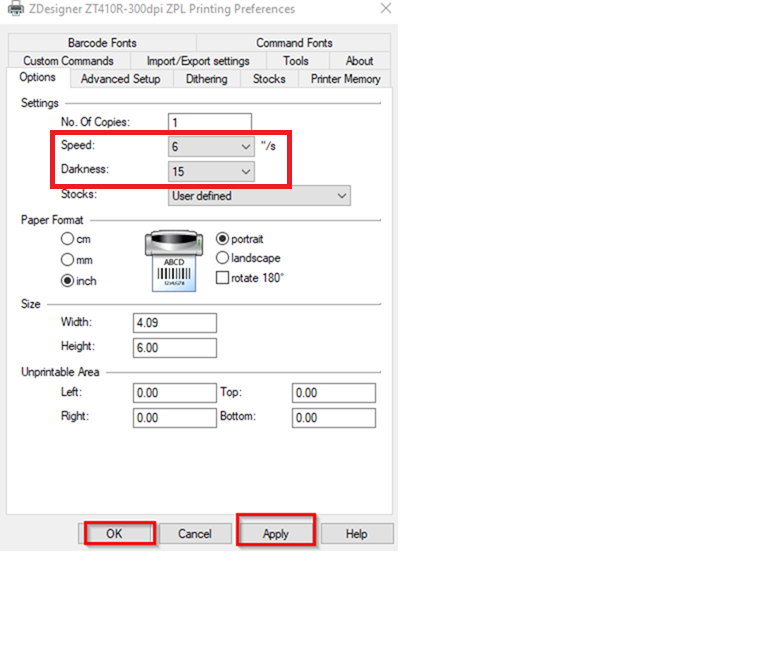
• Adjust the darkness setting or printhead temperature until your labels are sharp — not sticky.
• Run test prints to fine-tune the heat level.
Pro tip: If your ribbon keeps breaking, your printhead’s likely running hotter than a furnace — cool it down.
________________________________________
3. Uneven Pressure or Misaligned Printhead
The Mistake: If your print is faded on one side but perfect on the other — congratulations, your printhead is misaligned.
The Fix:
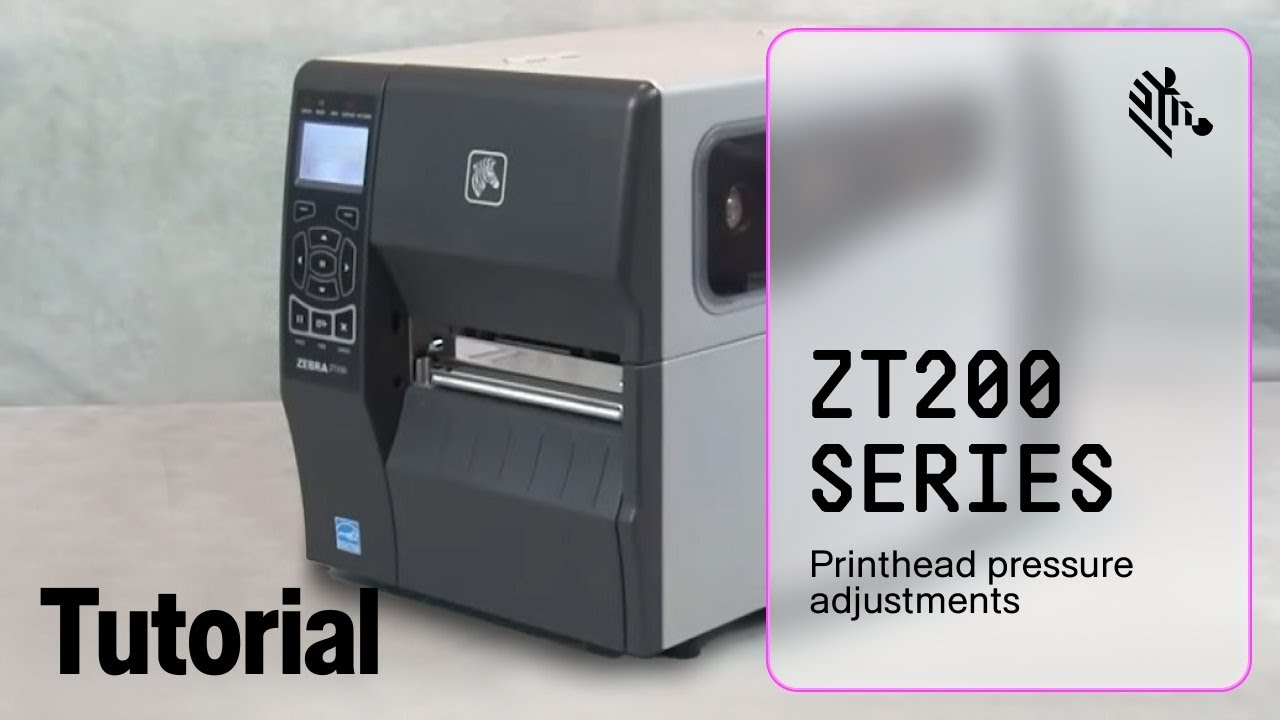
• Check your printhead alignment — balance it out so pressure is evenly applied.
• Clean the printhead regularly — dirt build-up causes uneven pressure.
• Perform a ladder test to reveal pressure drop-off points.
Bottom line: A wonky printhead means half your label is unreadable — fix it fast.

________________________________________
4. Improper Ribbon Tension
The Mistake: Ribbon tension is everything. If it’s too loose, it wrinkles. If it’s too tight, it snaps. Either way — your labels are ruined.
The Fix:
• Adjust the ribbon tension settings so it’s firm but not stretched like a drum.
• Ensure the ribbon is running smoothly and flat through the printer path.
Pro move: If your ribbon looks like crumpled tissue paper — sort the tension out now.
________________________________________
5. Skipping Printhead Maintenance
The Mistake: Ignoring printhead maintenance is like never changing the oil in your car — eventually, everything grinds to a halt.
Dirt, dust, and adhesive build up fast, wrecking print quality.
The Fix:
• Clean the printhead every time you change the ribbon (or at least every 2-3 rolls).
• Use isopropyl alcohol wipes — not whatever cloth you have lying around.
Reminder: A dirty printhead = blurry, streaky labels. A damaged printhead = an expensive fix. Clean it.
________________________________________
Final Thoughts: Get Your Prints Right — or Pay the Price
Thermal transfer printing isn’t magic — it’s precision. If you’re making these mistakes, you’re not just producing bad labels — you’re bleeding money, delaying shipments, and annoying your clients.
Get these basics right, and you’re already ahead of the game.
Need reliable ribbons that won’t let your supply chain down? Hit up ACE — because we don’t just sell ribbons — we sell reliability.
Let’s fix your printing problems before they cost you more than just labels.
[Contact ACE Today]